
Share Link
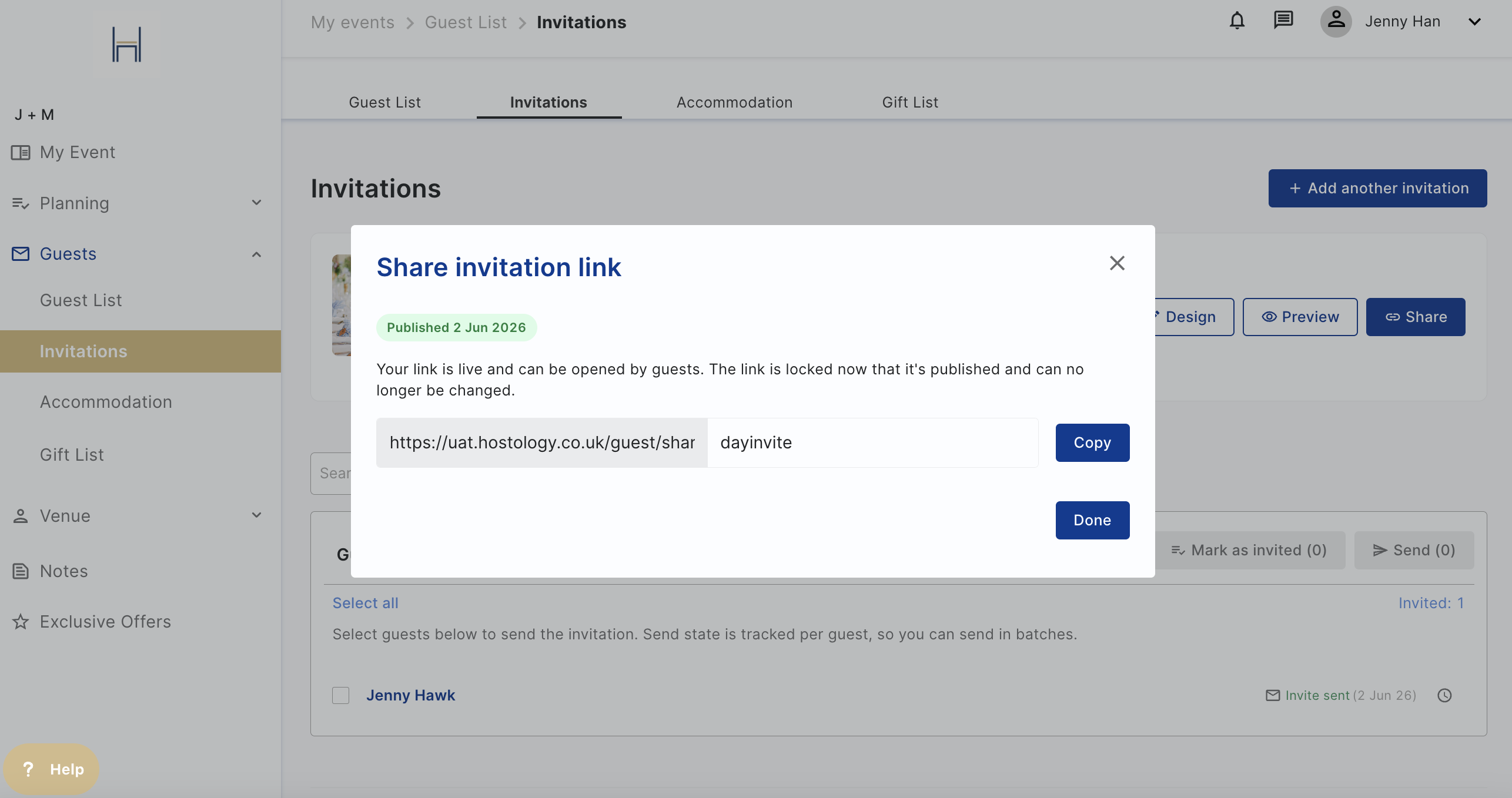
You can now invite your guest by simply sharing the invitation via link with them, no email addresses needed! You can share it on Whatsapp or include it in your paper invites so guests can RSVP to your event.
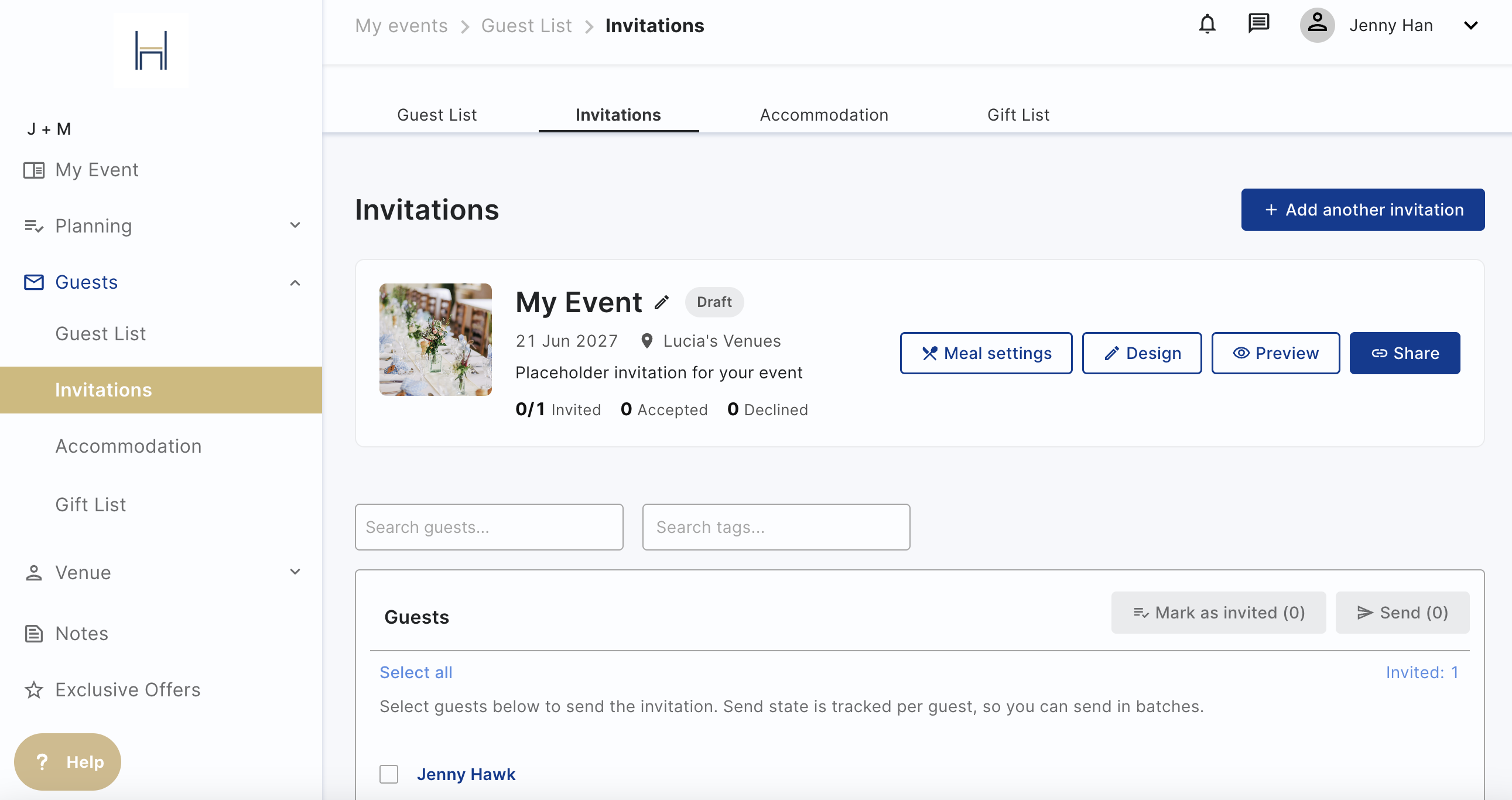
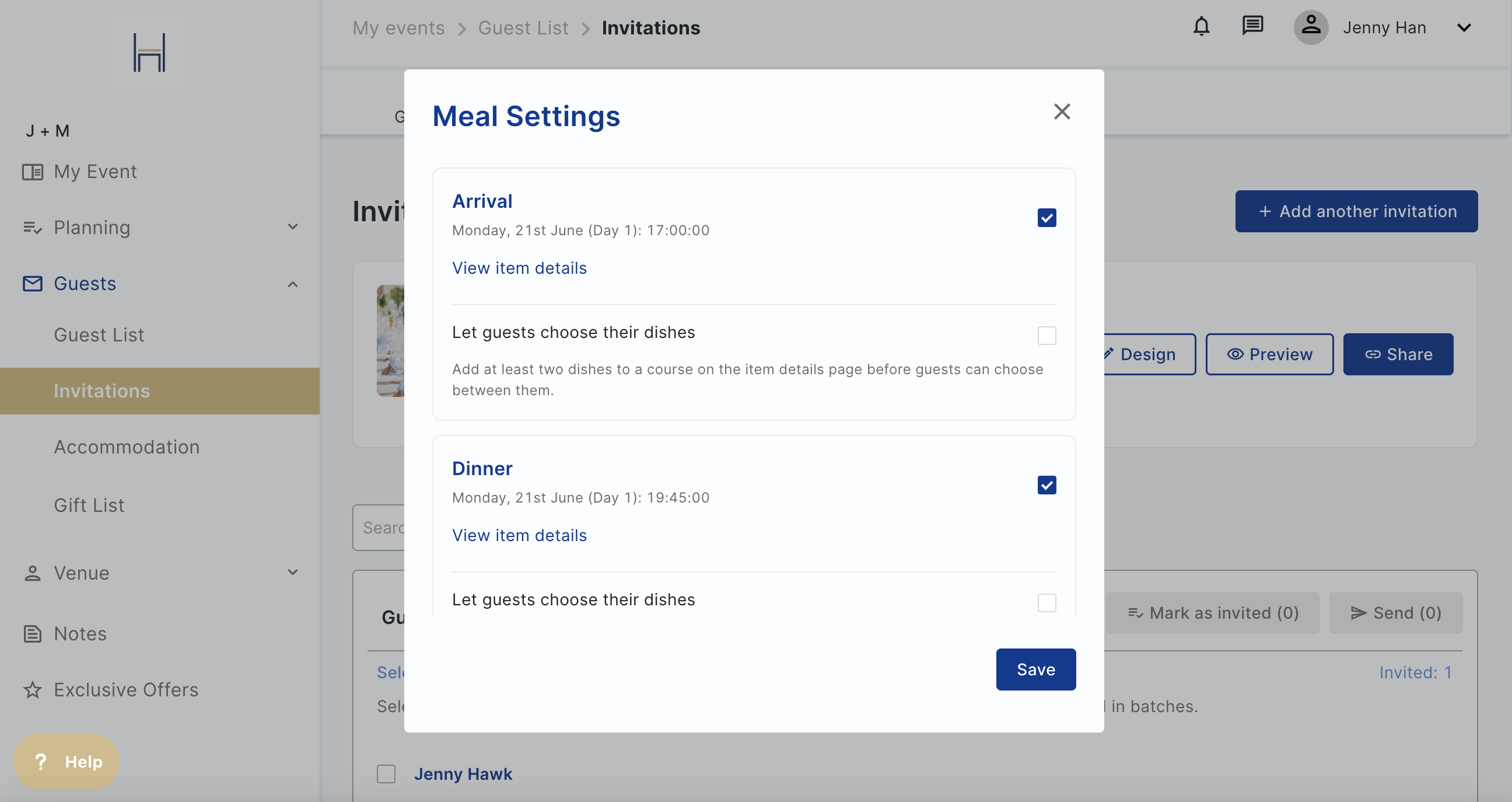
You can track different meals by deselecting/selecting itinerary items in your invite by clicking meal settings. For example, track RSVPs and dietaries for your evening guests by selecting the evening food itinerary items and the venue will see what the dietary requirements for that time of day are.
Once you're happy, go to Invitations page, select the invitation (if you have multiple) you'd like to send and start moving guests from the right hand column to the "Invited Guests" column.
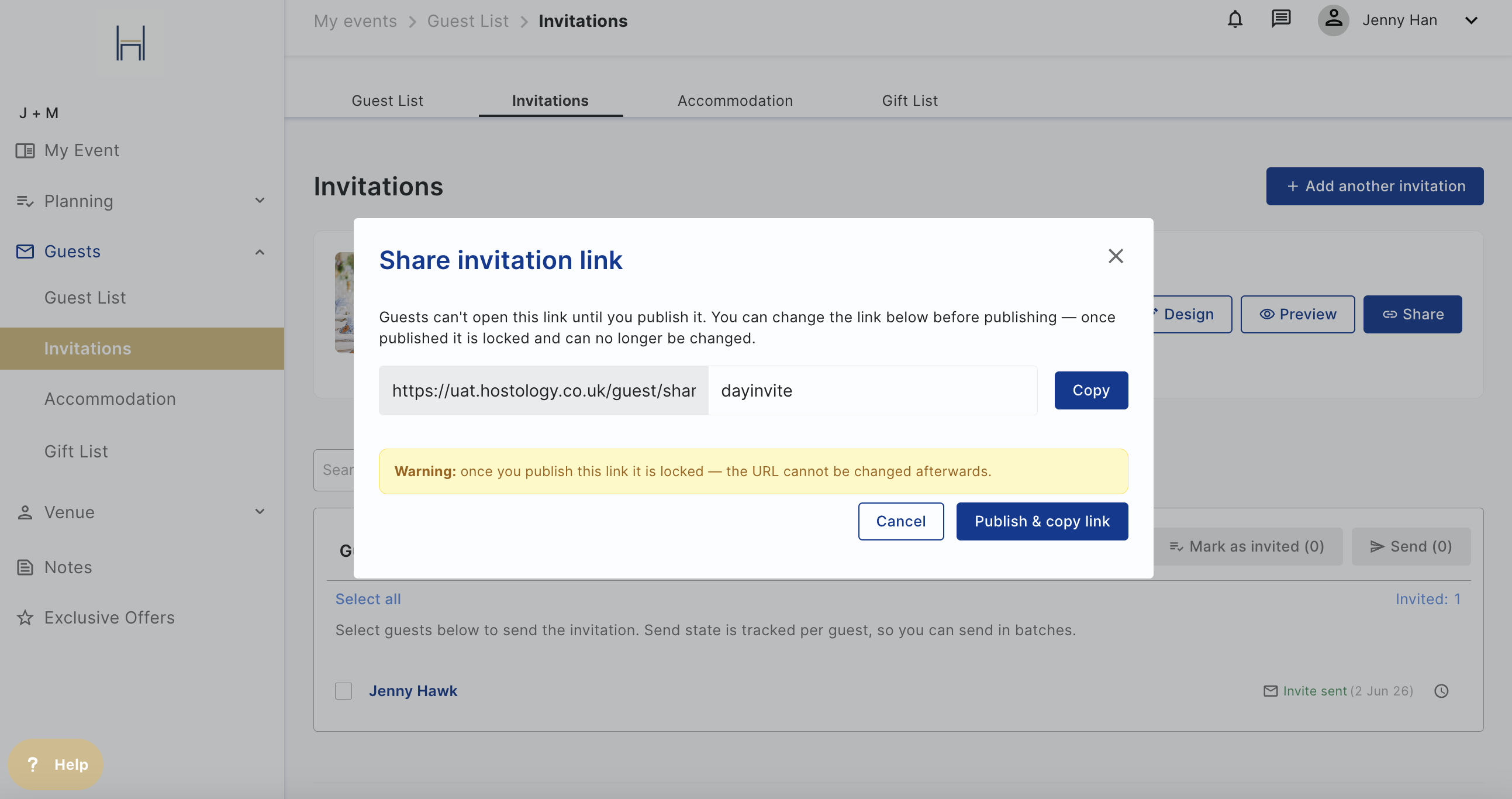
Click on Share to edit your share link and publish it once you're ready. Once your link is published, you cannot change the URL, you can still make changes to the invitation itself.
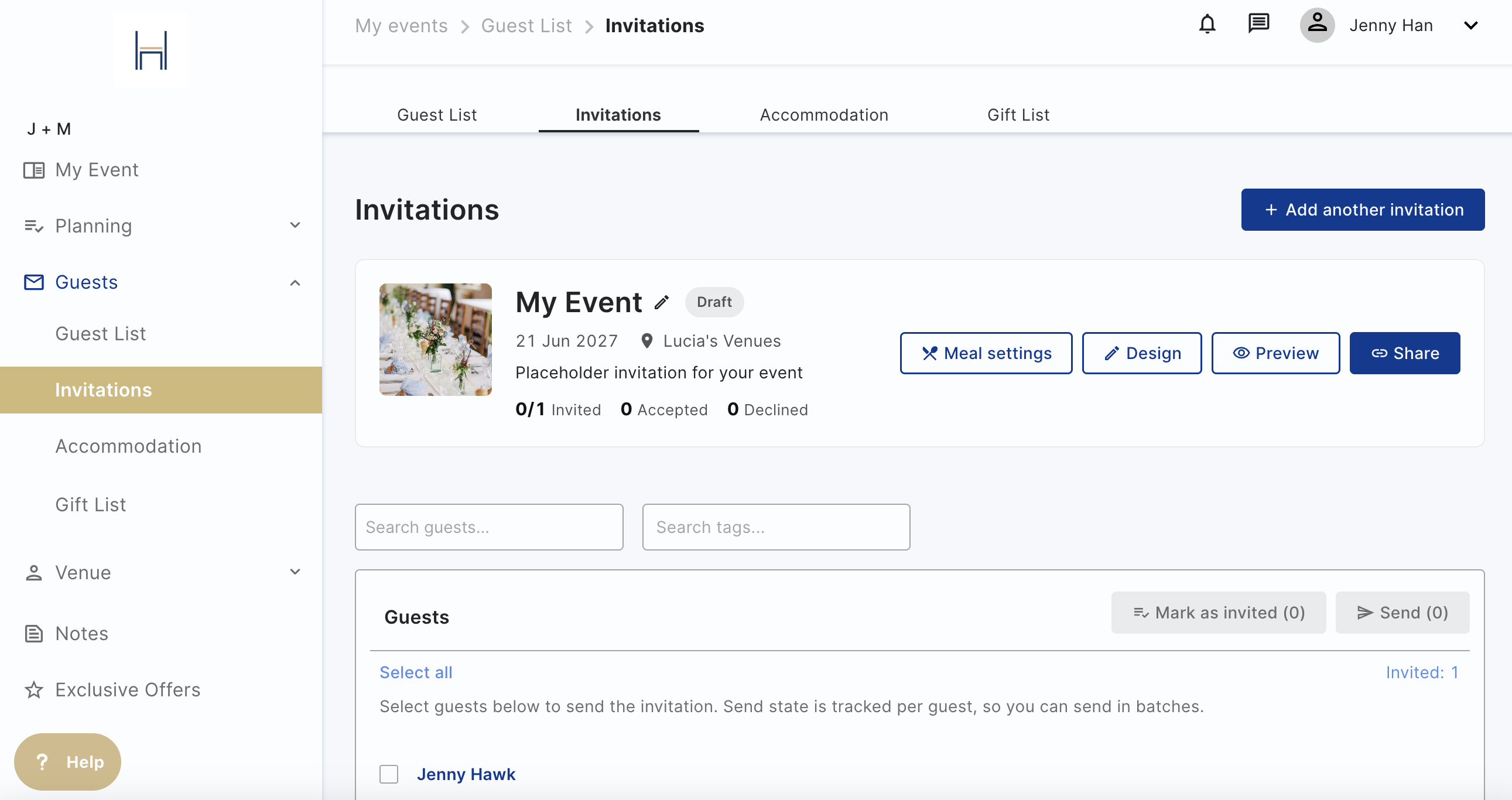
If you're ready to send it to your guests, publish and copy the link, add send it!
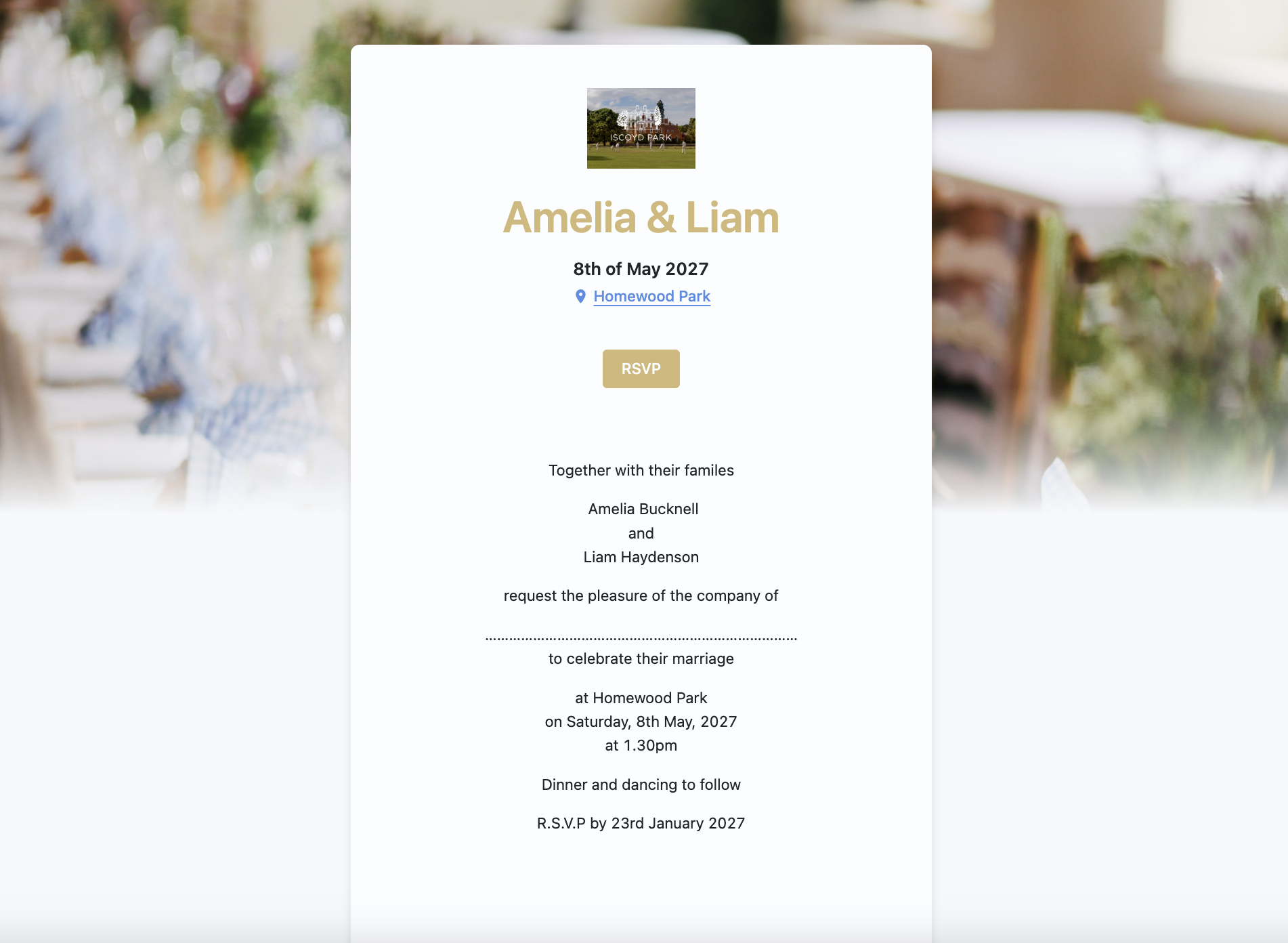
Once guests access the link, they'll see your invite with all the text/images you shared and then they'll click RSVP to type in their names to match the guest list (it has to be an exact match, not case sensitive) to RSVP.
QR Code
To create a QR code, follow the above and copy the URL from Hostology and use your favorite QR code generator to link them (QR Code Monkey and many more)
If you have an iOS phone or computer, you can use the app Shortcuts to create the QR code. Click here to find out more.