
Creating your Invitations
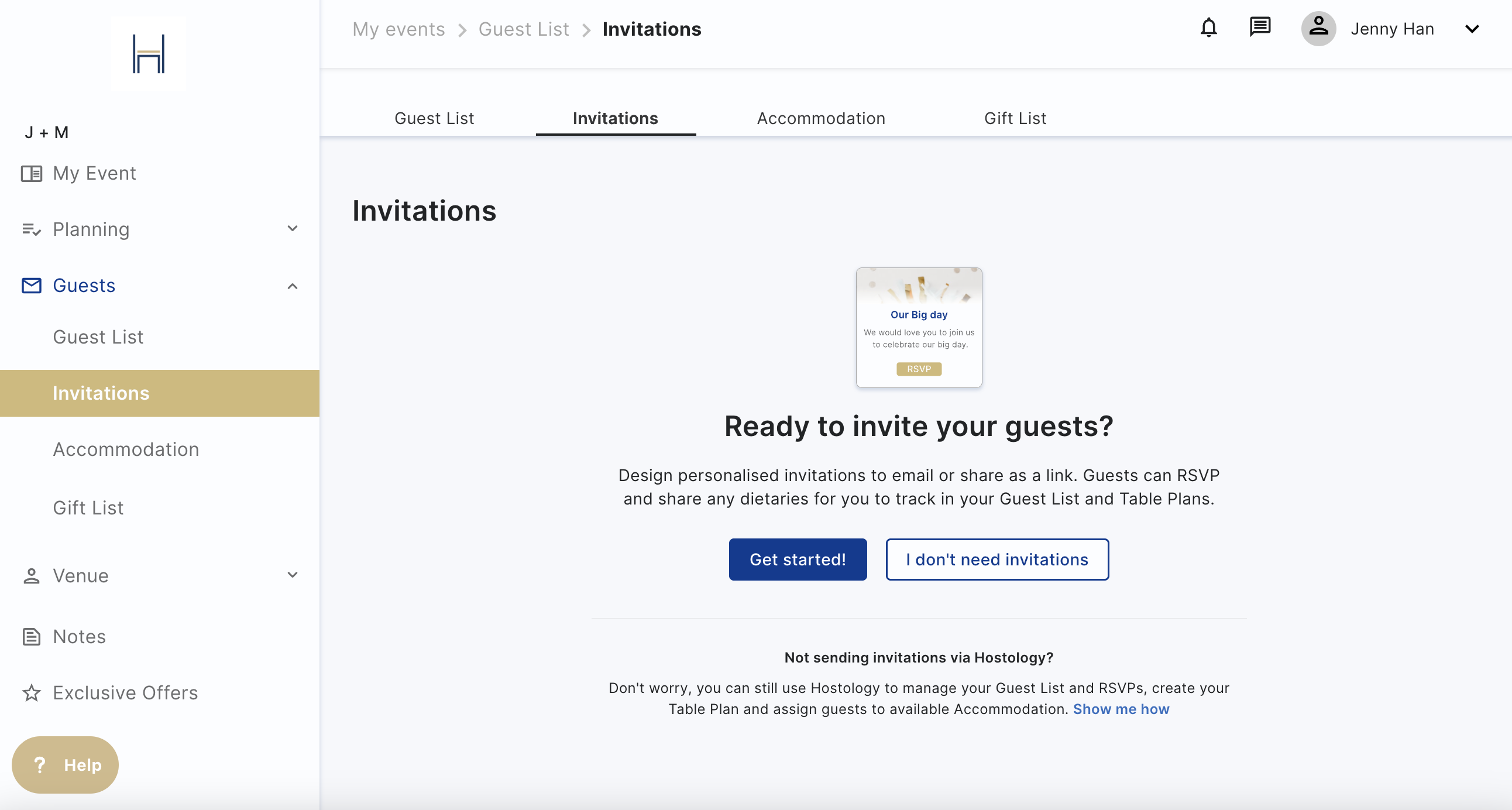
On the Invitations page, you can design personalised invitations to email or share as a link. Guests can RSVP and share any dietaries for you to track in your Guest List and Table Plans.
If you don't want to use Hostology for your invitations, you can turn off this page. You'll still be able to use all the other features on the platform. You can always turn invitations back on in the Guest List page.
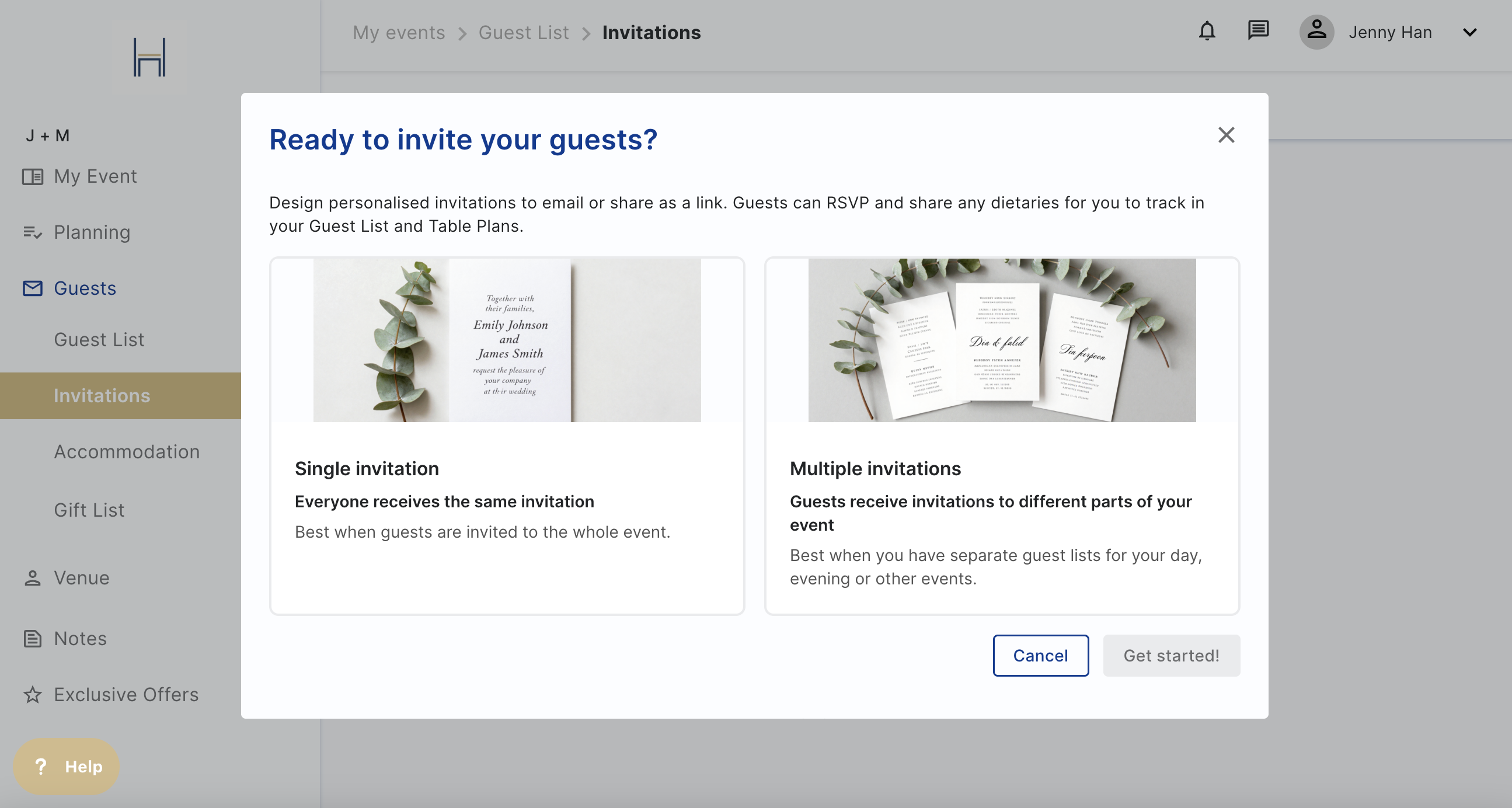
Click on Get started and choose whether you'd like a single invitation or multiple, perfect for splitting day and evening guests. You can always create another invitation later, if you want to start with just one.
Once you make your choice, you can edit the name, date, image, and information for your guests.
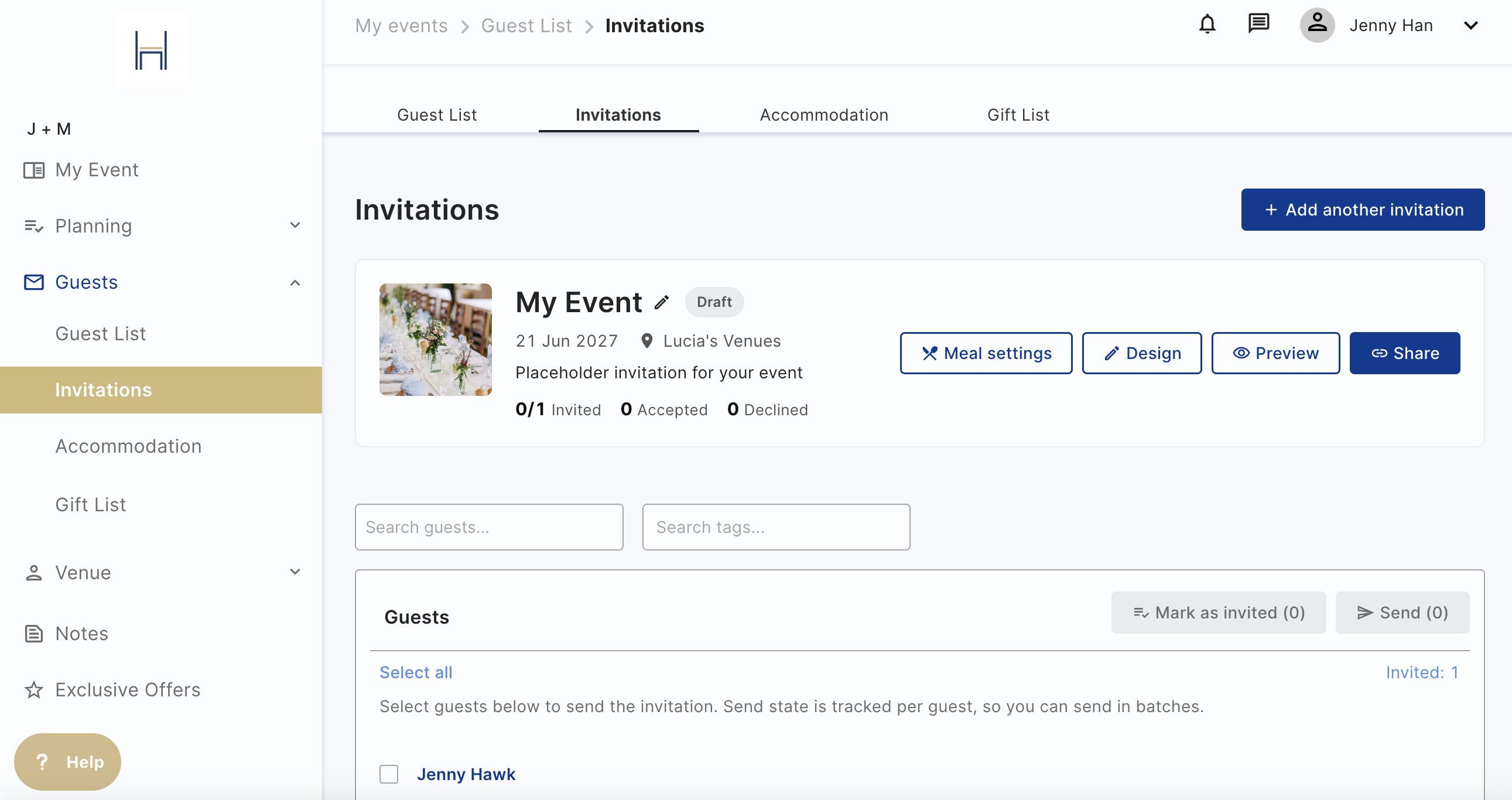
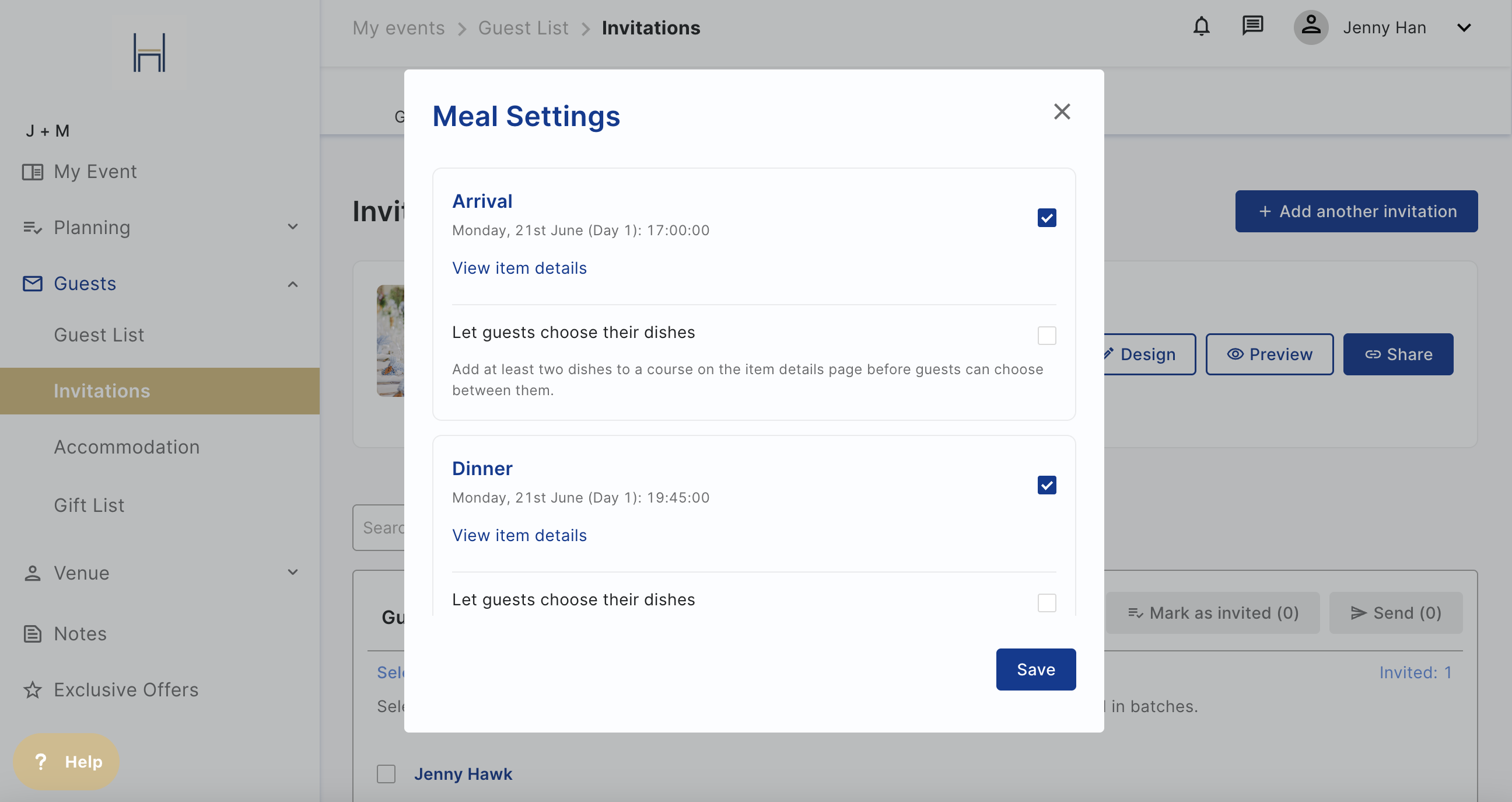
You can edit the meals attached to the invitation to track different meals and RSVPs. For example, if you have evening guests coming later in the day, you don't want their dietaries to show for the wedding breakfast.
Click on Design to change the invitation to add your image and text. Click on Browse to change the cover photo image (best fit 500 x 200 px) and to add a message for your guests. You can add links, tables, and more in the text box.
You can create a share link for your guests to access and personalise it.
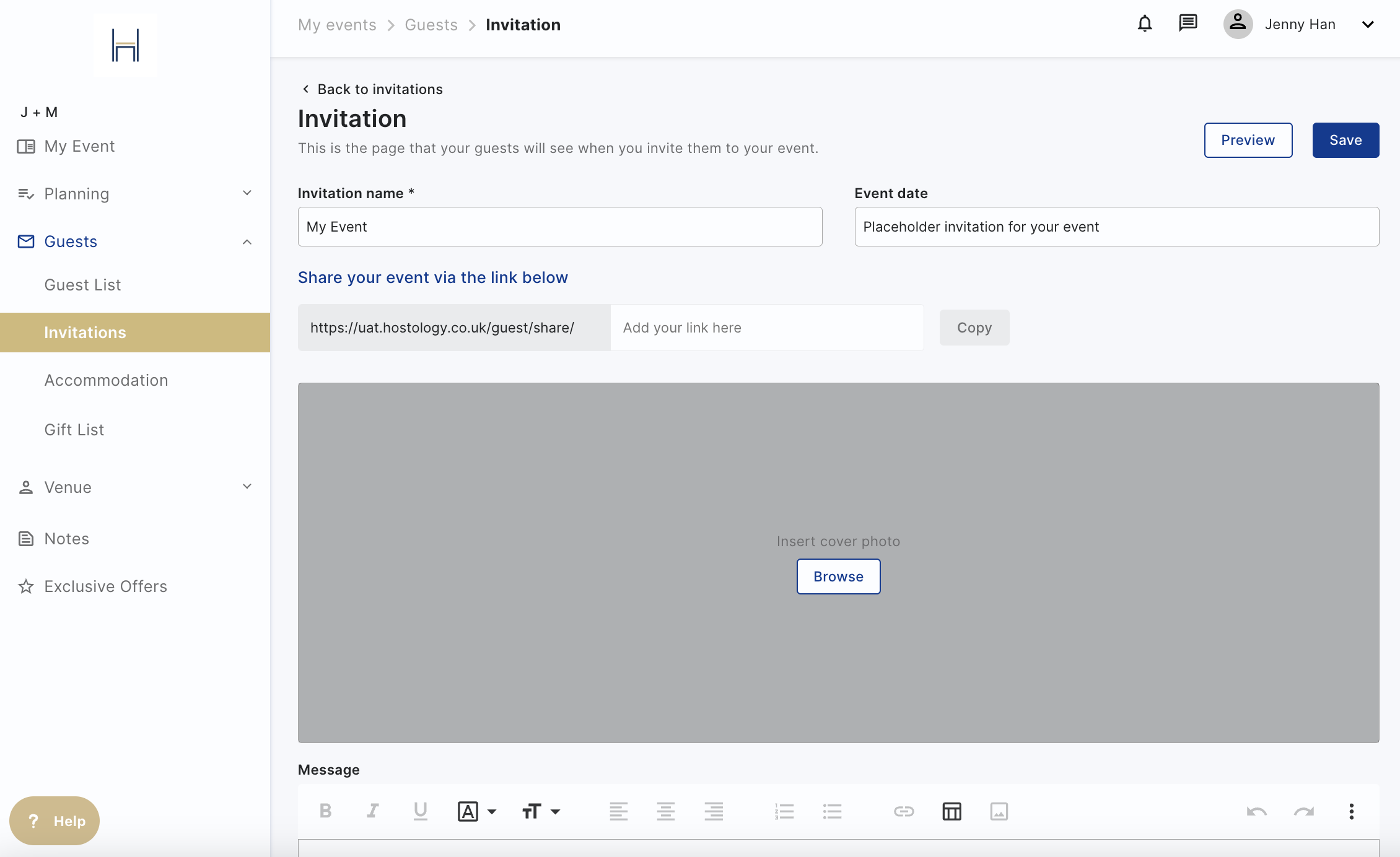
Preview your invitation to see exactly how your guests will see your invite
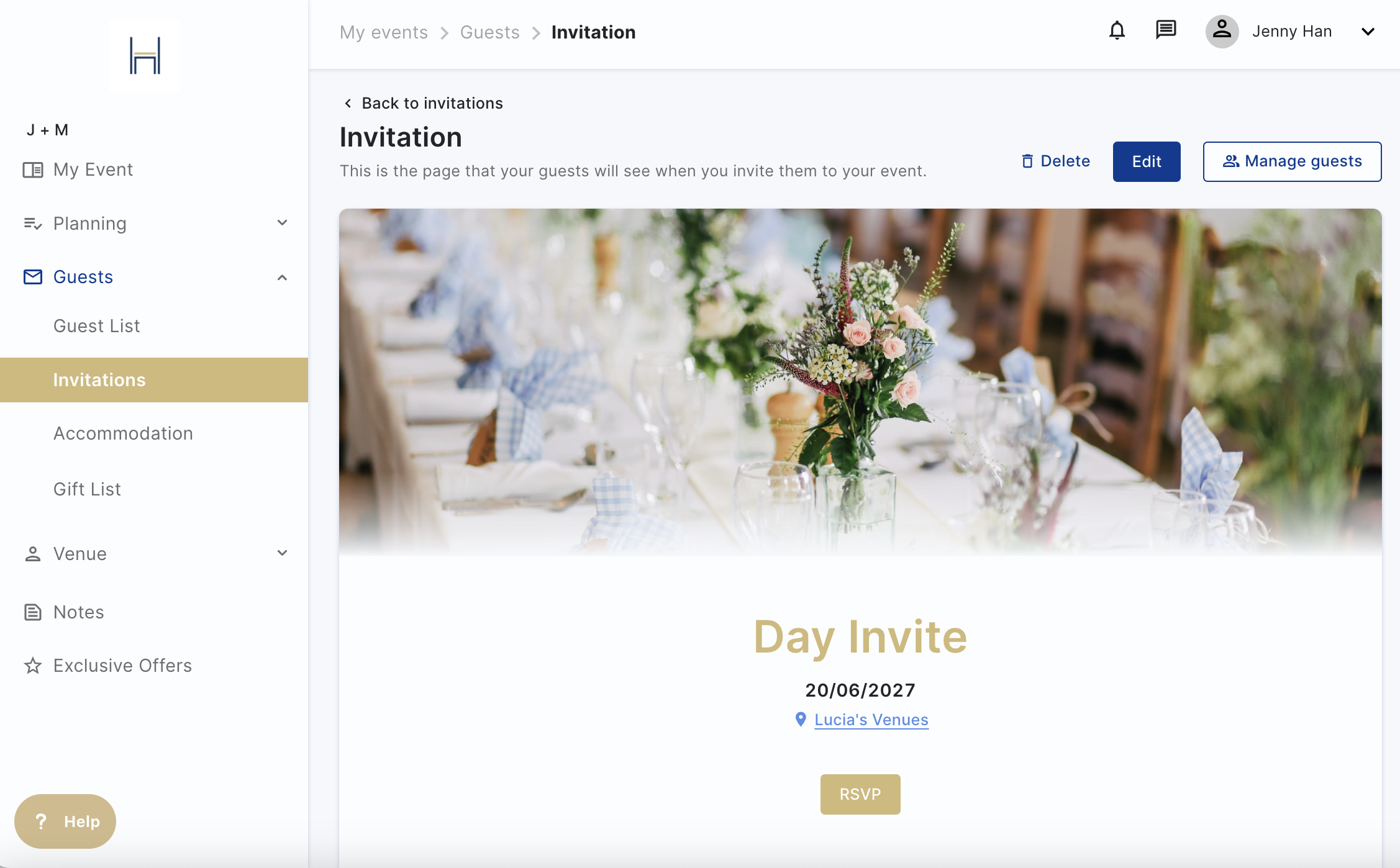
Once you're happy with your invitation, click on Save and you're ready to send it to your guests.