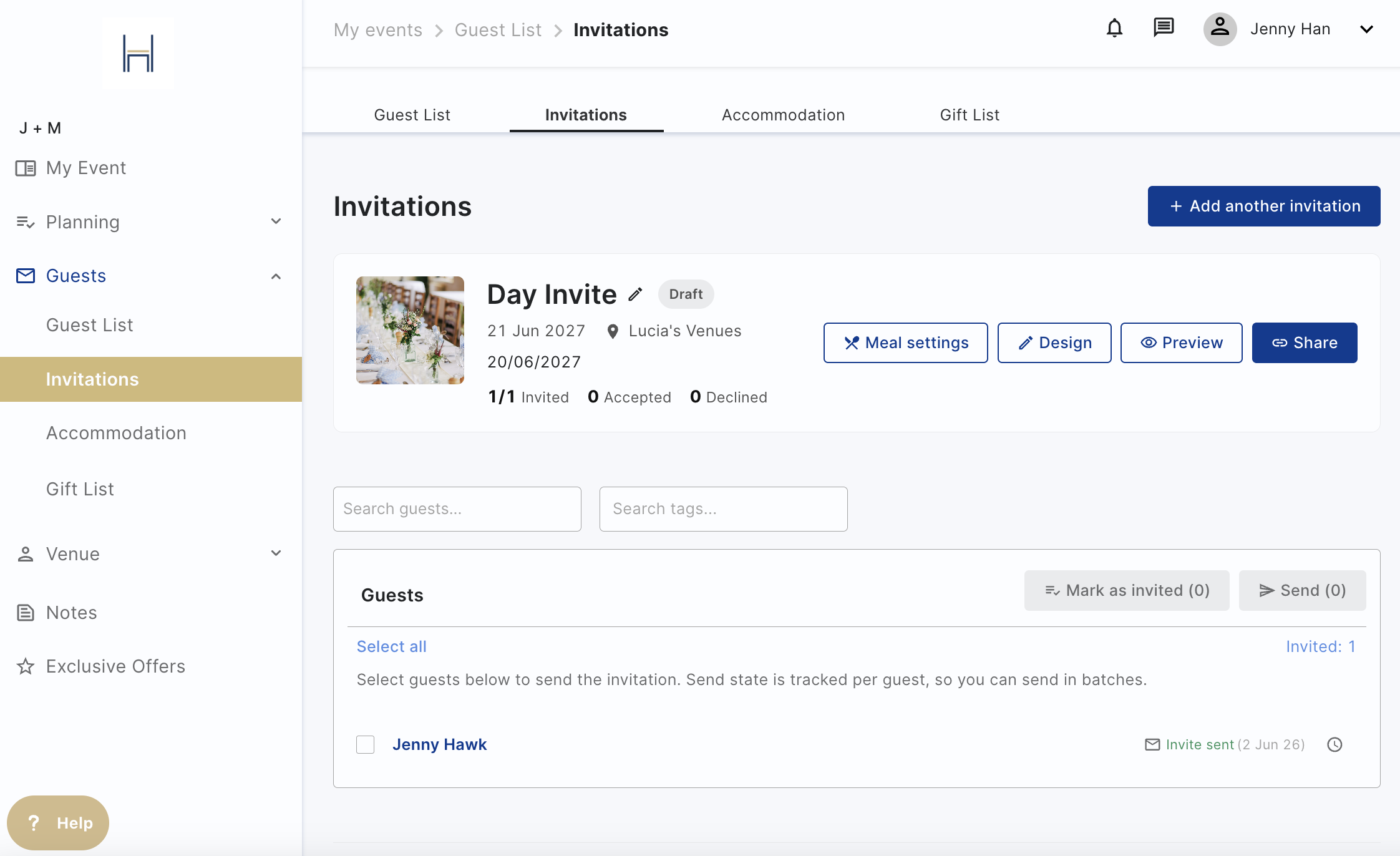
Sending your invites
Now that you are ready to invite your guests go to the Invitations
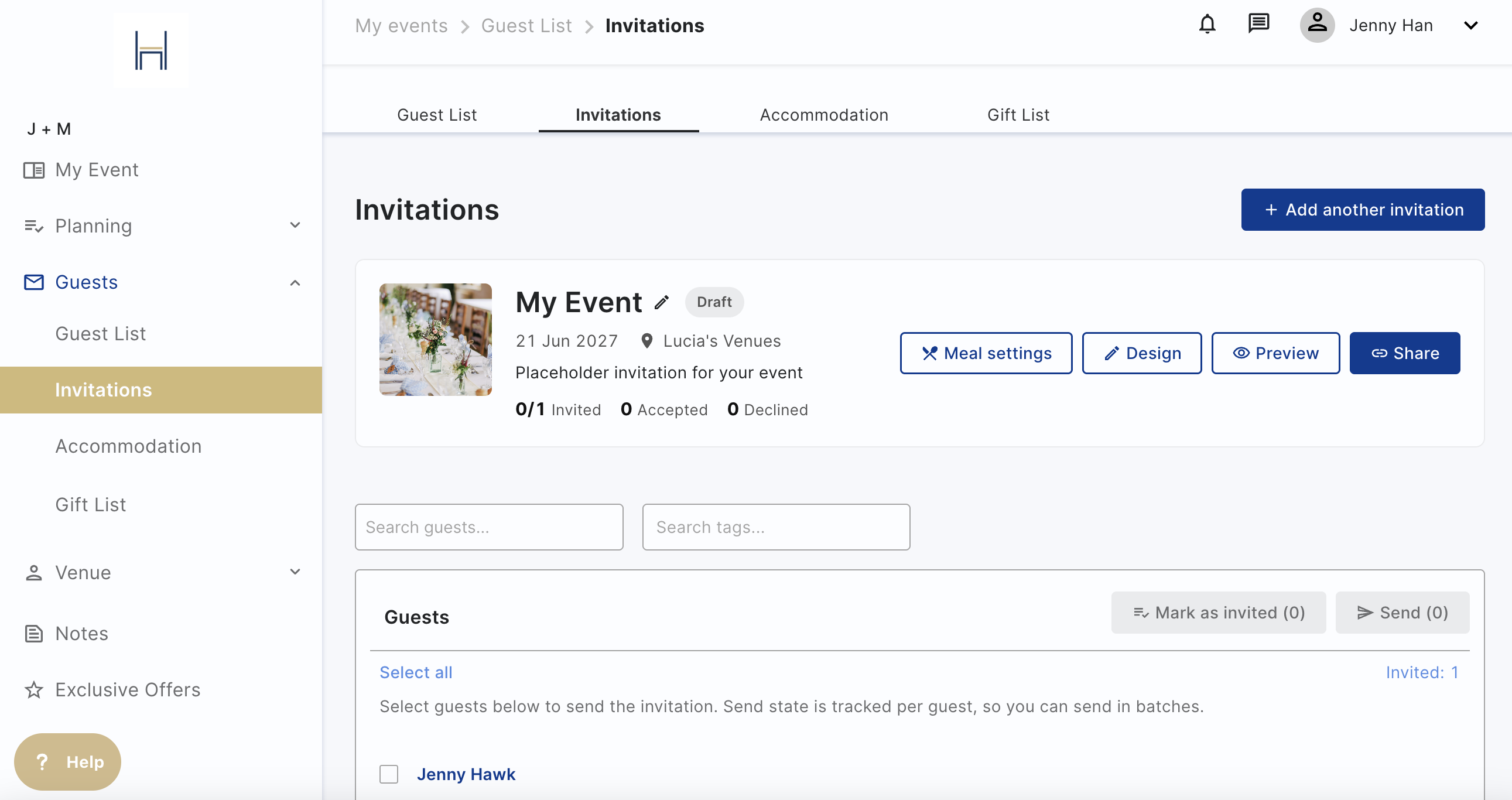
Select the guests you'd like to send it to and decide whether you want to send it to them via email, or share it with them via link.
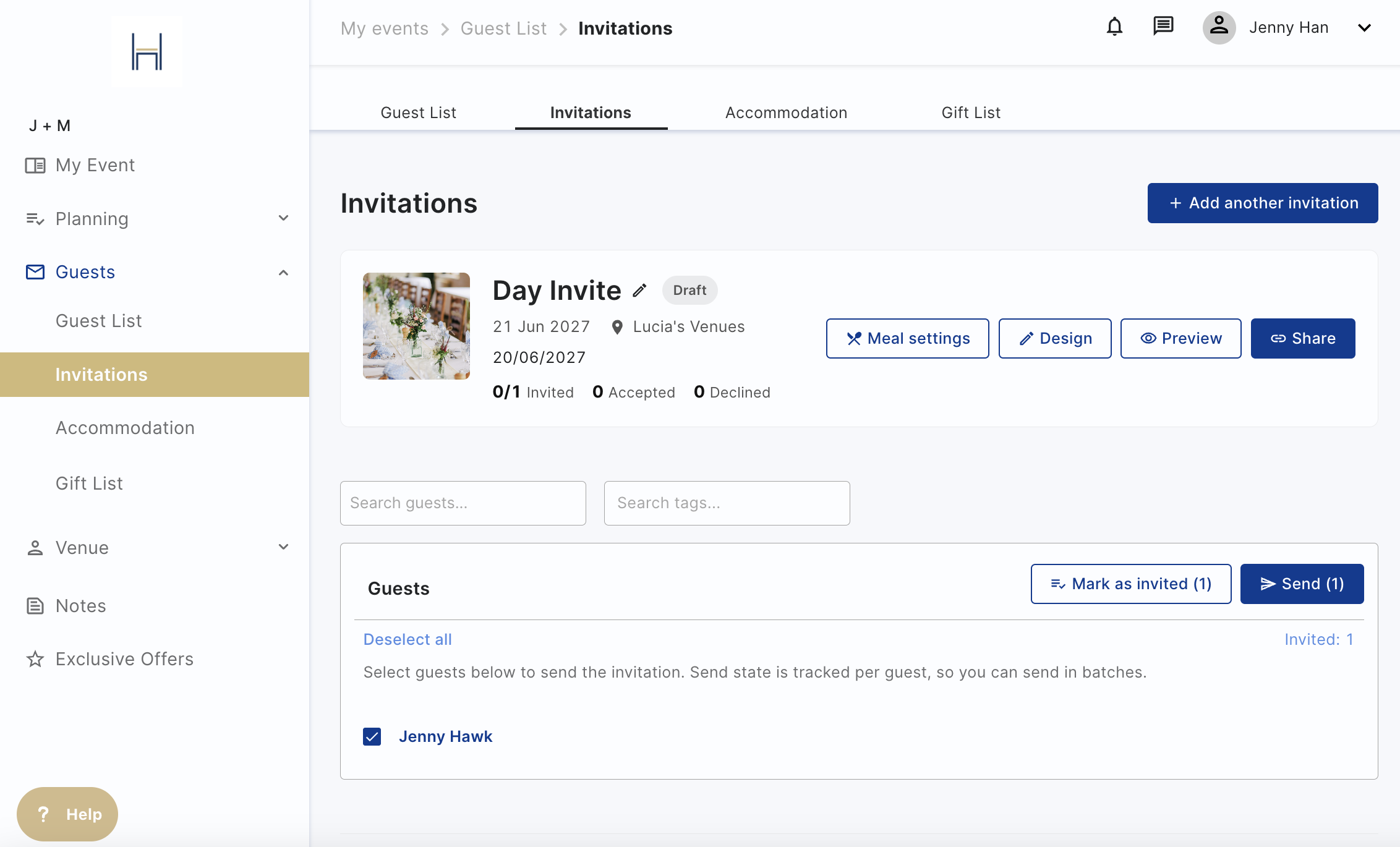
The email will have their name, the invitation name, and the name of the venue so they will have all the information they need. From this they'll create an account, see the invite, RSVP to the event and update their dietaries for you. They can also access any accommodation (if available), or see your gift list if you have added it.

You'll be able to track who you've sent the invitation to on this page with dates next to the names